The Pixel 11 series introduces a major change to how Google handles photo processing, stepping away from its long-standing HDR-first approach. One of the standout additions is Camera Looks, a feature that lets users apply distinct photographic styles. While it initially appeared that owners were locked into a handful of preset defaults, a hidden setting actually allows you to make any look your standard option.
How Camera Looks Handles Defaults
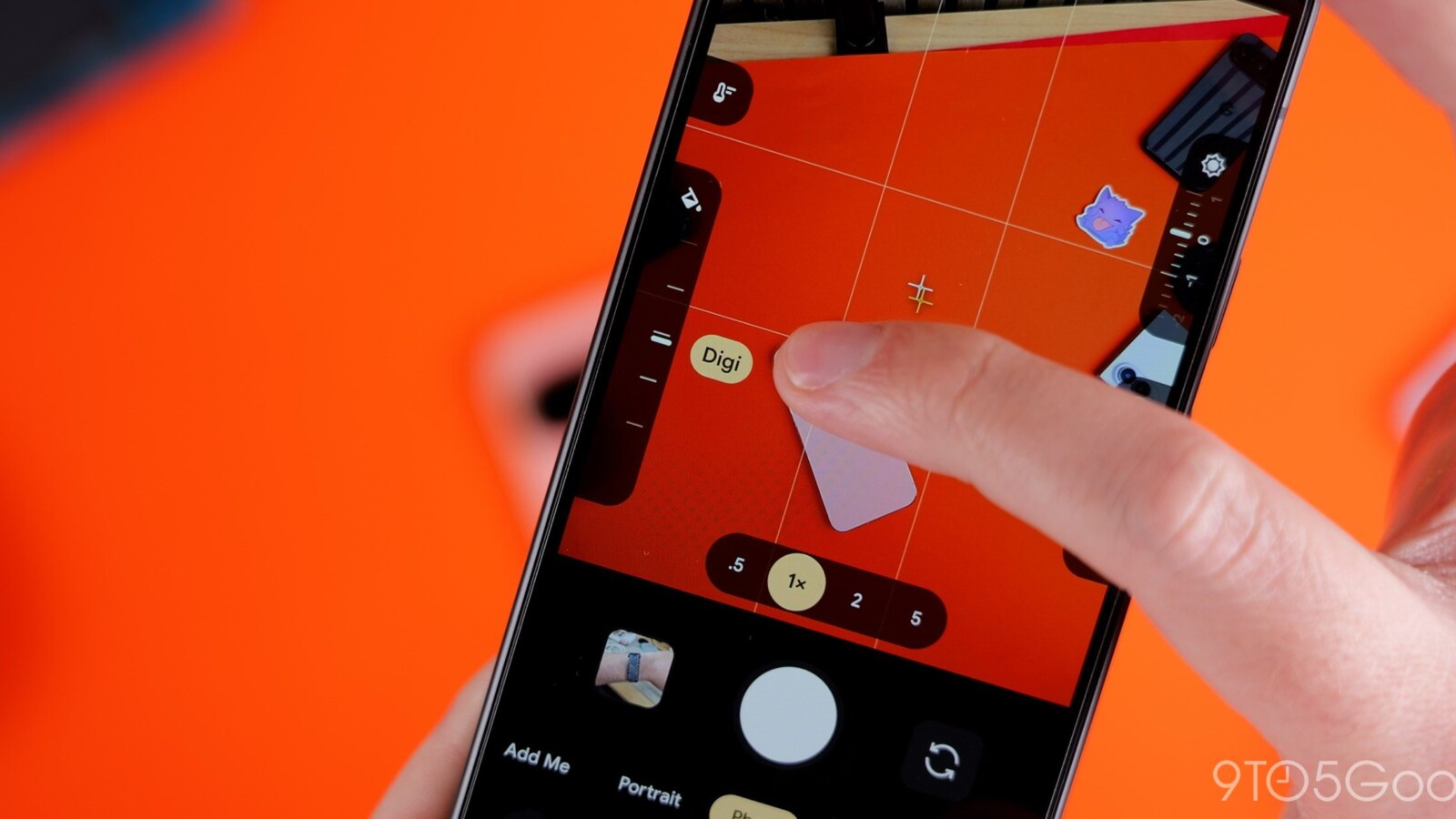
Within the camera app, Google offers four standard styles under a “Default Look” dropdown menu: Original, Natural, Shadows, and Vanilla. However, the Pixel 11 also includes more distinctive options such as Velvet, Classic, and Digi. These stylized presets are not limited to one-time use. With the right setting enabled, any of them can be saved as your go-to look every time you open the camera.
Enabling Any Look as Your Default
To set a custom default, open the camera app on your Pixel 11 and tap the settings icon in the lower-left corner. Next, tap the triple-dot overflow menu icon in the upper-right corner. Scroll toward the bottom of the list to find the Photo menu options, then toggle on “Always use selected look.”
Once activated, returning to the Looks menu and choosing any non-default style will save that preference when you leave the app. When one of these stylized options is set as your main shooting mode, its name briefly appears in the lower-right corner as the app opens, accompanied by a purple Looks icon that remains on screen.
What to Expect From the Interface
There is one notable quirk. Unlike the four standard processing modes, the permanent purple Looks icon takes you directly into the Looks menu. From there, you must tap Back to reach other controls such as exposure and white balance. This effectively splits default preferences across two separate experiences within the app.
The setting confirms that Pixel 11 users can assign any shooting mode as the one loaded immediately at launch, even if the process is somewhat buried. This generation marks a significant shift in how Google approaches its camera processing, loosening its previous HDR-centric grip.
Source
Image: 9to5google.com