Android Auto 17.6 is now rolling out across the Android ecosystem, delivering a subtle refresh centered on a redesigned app logo. While the visual change is minor, it marks the first version to fully adopt Google’s updated branding for the in-car platform.
A New Green Icon Replaces the Old Blue Design
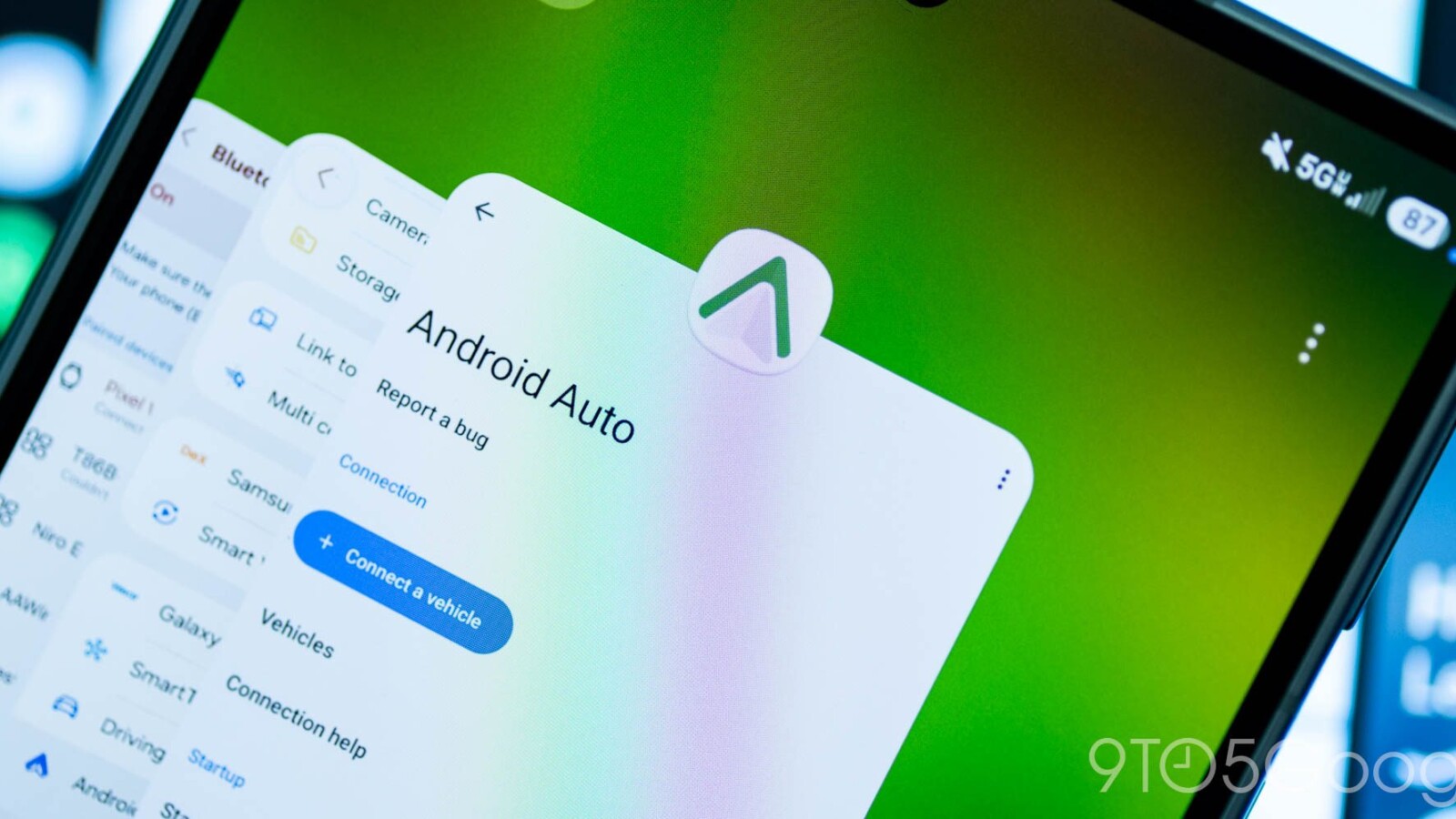
Over recent weeks, a new green Android Auto icon had appeared intermittently on certain devices. With the 17.6 release, Google is bringing that redesigned icon to a wider audience. Artem Russakovskii of APKMirror flagged the change, noting that this is the first version to fully move over to the new look. Everything prior relied on the older blue icon style.
Google has also quietly updated the official Android Auto website to reflect the new design. That includes a video thumbnail advertising Gemini integration, where the refreshed wordmark also appears with slight tweaks compared to its previous form.
Where You’ll Actually See the Change
For most users, the new icon won’t be especially visible. The green logo has shown up in some notifications, but many notifications still display a blue alternate icon. On Android, the most consistent place to spot the new design is in the app switcher when accessing Android Auto settings.
The Android Auto settings menu has also been updated with a green accent color to match the refreshed branding, giving the interface a more cohesive look tied to the new logo.
The update centers on cosmetic adjustments rather than new functionality, so drivers should not expect changes to core features with this release. The redesigned green icon and matching accent color represent the primary visible differences in Android Auto 17.6.
Source
Image: 9to5google.com