Android is getting five new features aimed at making phones more accessible, useful, and personalized, Google announced this week. The rollout spans tools that reduce motion sickness, assist blind and low-vision users, track where people leave important belongings, and expand personalization options in Google Messages.
Several of the additions rely on Gemini, Google’s AI system, to deliver improvements, while others bring Android closer to features Apple already offers on the iPhone.
Motion Assist eases in-car screen use
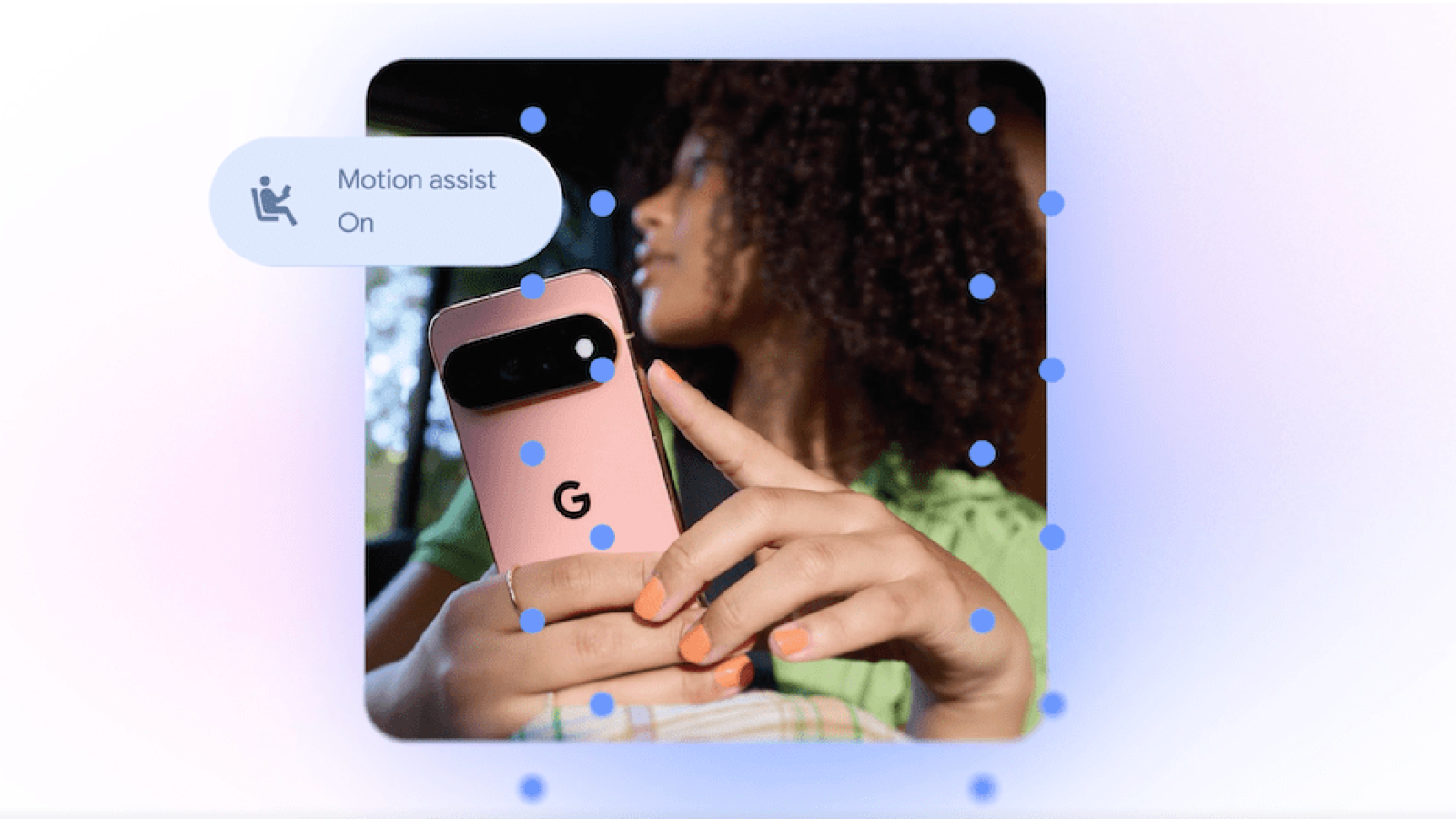
The headline feature is Motion Assist, designed for people who feel motion sickness while looking at their phones inside a moving vehicle. It places a bubble overlay on the screen that shifts in response to the vehicle’s movement, narrowing the gap between what users see on the display and what their bodies feel.
The approach echoes Apple’s Vehicle Motion Cues, introduced in 2024, which uses animated dots along the edges of the display that react to a vehicle’s motion. On Android, users can set Motion Assist to activate automatically, add it to Quick Settings, and adjust the bubble’s shape, color, and transparency. Google says the feature is available to Android 17 users.
Guided Vision and item tracking lean on Gemini
A second feature, Guided Vision, is built for blind and low-vision users. It pairs the phone’s camera with Gemini to handle tasks such as reading small print on a food label, viewing a menu in a dimly lit restaurant, or identifying objects around the house. When the camera isn’t aimed correctly, the tool offers voice guidance, prompting users to move the phone, pan around, or center an object. Guided Vision is coming to phones running Android 9 and newer in countries where Gemini is available.
Gemini is also gaining a way to help people remember where they placed important items. A remembered items section in Find Hub lets users tell Gemini where something is stored. Someone could note that a passport is in a bedroom drawer, and Gemini saves that detail in Find Hub. Users can attach a photo to make the item easier to locate later.
Google Messages adds notes and personalization
Google is bringing a Google Keep integration to Google Messages, letting people share and edit grocery lists, vacation notes, and other information directly inside a conversation.
Google Messages is also getting more personalization. Users will be able to customize individual chats with backgrounds, photos, and colors, and the text bubbles will automatically match the chosen look. Apple added a comparable custom background option to Messages last year.
Source
Image: techcrunch.com