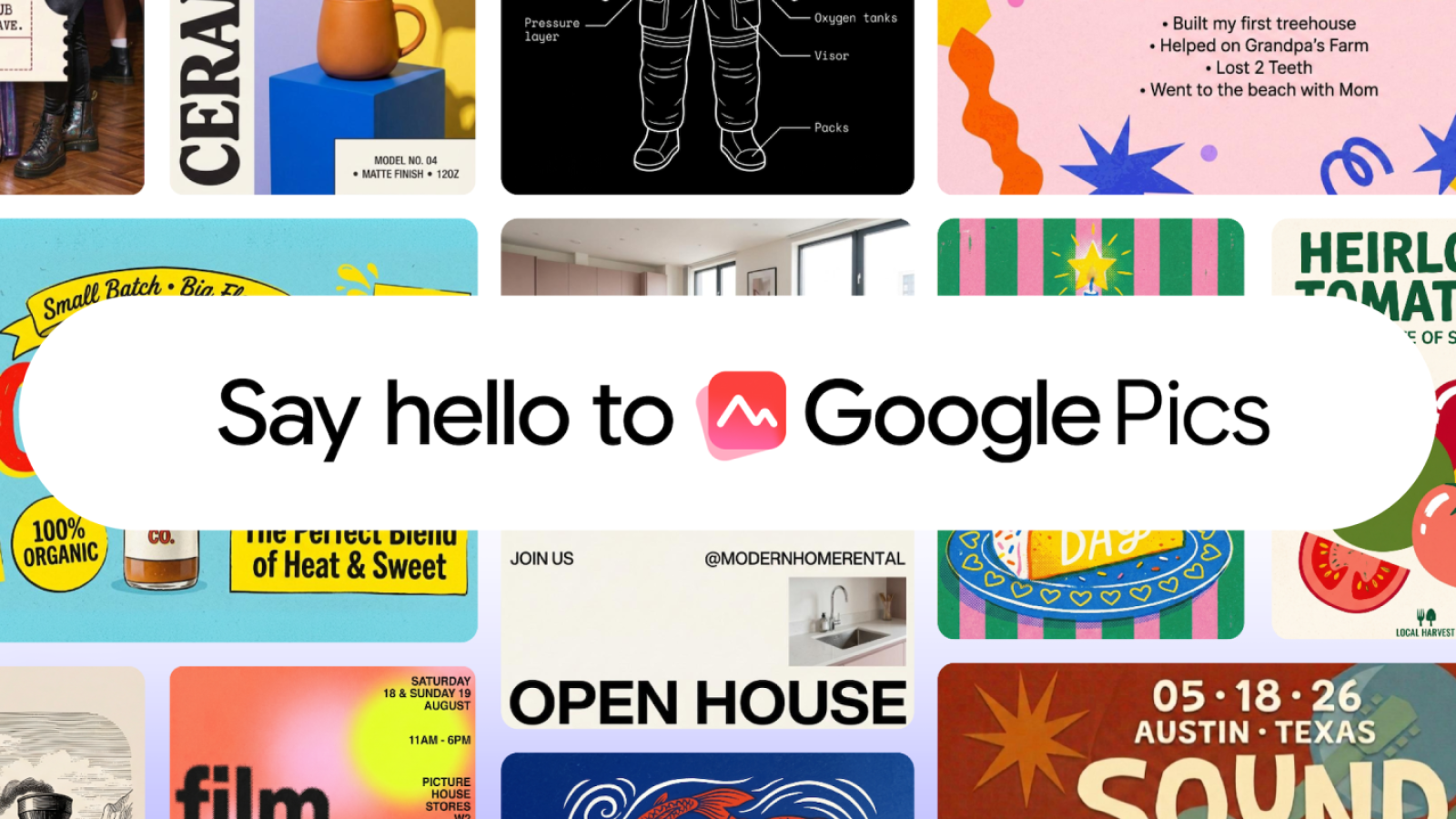
Google Pics is now generally available, bringing a professional-grade AI image creator and editor directly into Google Workspace. First revealed at I/O 2026 in May, the tool arrives as the latest addition to Google’s productivity suite, following the earlier launch of Google Vids.
Built natively into Google Workspace, Pics lets you click on an image inside Google Docs or Slides to open the editor as an overlay and begin working immediately. A forthcoming update in the coming weeks will extend editing to images stored in Google Drive. You can also reach the tool directly at pics.new.
What Google Pics Can Do
Beyond generating fresh images with multiple options to choose from, you can import files from your computer, Google Drive, or Google Photos to start editing. The tool is powered by Nano Banana, which delivers precise, object-based image editing.
Key capabilities include selecting and editing individual objects within an image, editing, reformatting, or translating individual text elements, and cropping images for web, social media, print, or digital use. You can also upscale images to 2K or 4K, process multiple edits at once, and easily revert any unwanted changes.
The object segmentation feature isolates a specific part of an image while leaving the rest untouched. After making a selection, you simply add text comments and can execute several edits simultaneously. The same approach applies to text that appears in images, allowing you to edit or translate it without altering anything else.
Collaboration and Enterprise Use
Because Pics is based on the same editor as other Workspace apps, you can invite others to collaborate and share images through a link. Enterprise scenarios include creating and translating social, digital, and web assets for global markets, and placing product concepts into any background or context.
Teams can also brainstorm print designs, event collateral, or branded merchandise, and develop flyers, business cards, and more. The goal is to remove the friction of pixel-by-pixel work, so users no longer need graphic design expertise to produce polished results.
Availability and Supported Plans
Google Pics is rolling out today across several tiers. Personal users can access it through Google AI Pro and Ultra plans. On the business side, availability covers Workspace Business Standard, Business Plus, Enterprise Standard, and Enterprise Plus plans. Educational access is offered through Google AI Pro for Education.
The general availability launch marks the tool’s shift from its I/O 2026 announcement in May to a live product accessible to eligible Workspace and personal subscribers starting today.
Source
Image: 9to5google.com