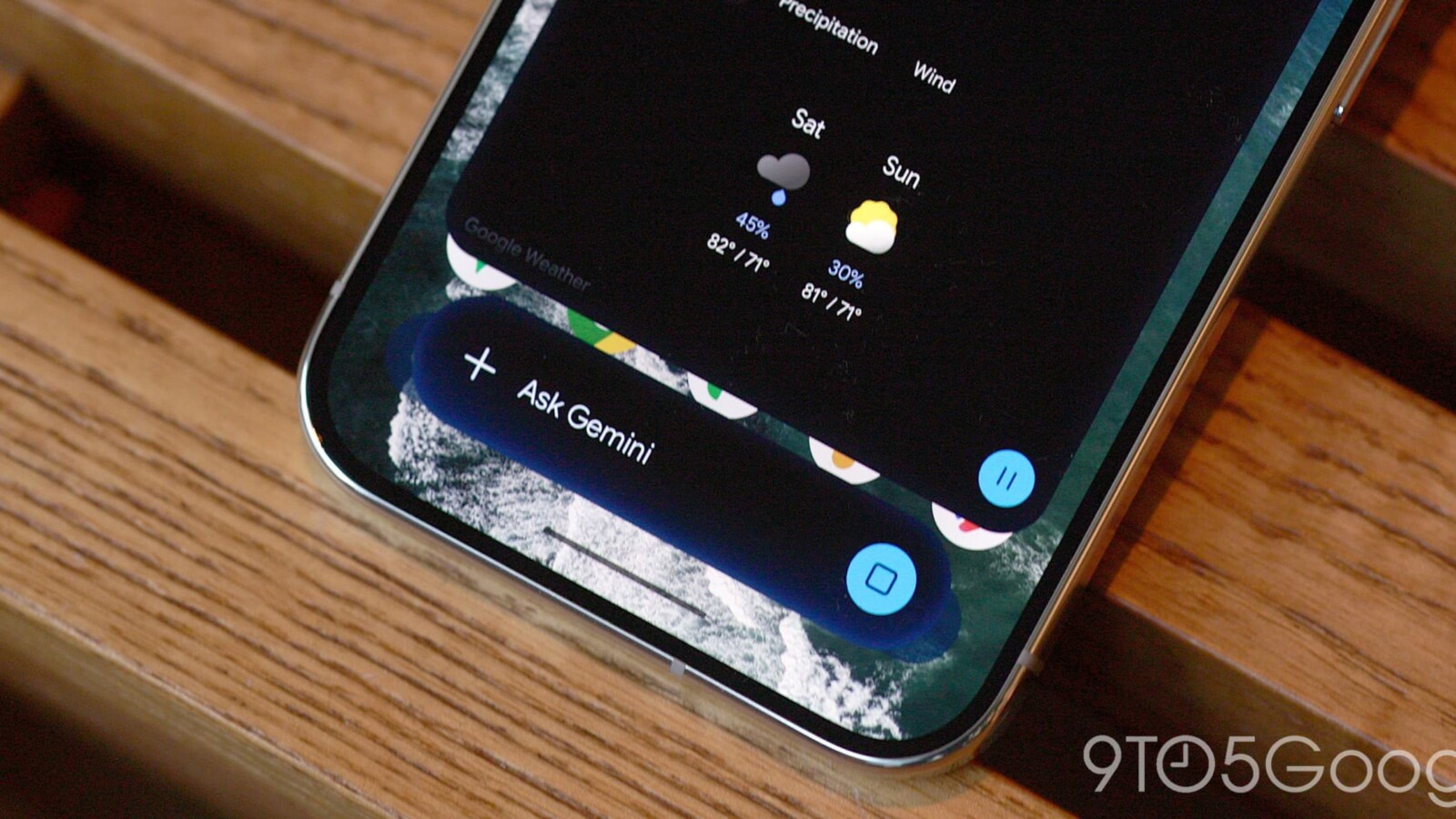
The Gemini overlay on Android is gaining a new multitasking feature that lets you collapse the assistant into a floating bubble while you keep working elsewhere on your phone. The update is rolling out widely today.
A new Minimize button now appears above the Gemini container. It sits centered immediately after you enter a prompt, then shifts to a pill-shaped container on the right once the response arrives. Tapping Minimize shrinks the overlay into a bubble marked with the spark logo.
How the Gemini bubble works
According to Google, the assistant remains active even after you collapse it. You can tap the bubble to expand it again, drag it to reposition it, or drag it away to dismiss it entirely. The company describes the experience simply: Gemini stays available while you multitask, tap to expand, and drag to move or dismiss.
There are limits to how you can place the bubble. It snaps to one of six fixed positions rather than sitting anywhere on screen. A current bug also resets the bubble to the bottom-right corner after each time you minimize it.
Once a response has finished loading, tapping outside the sheet brings the bubble back into view. Using the system back gesture closes the entire overlay, and you can also drag to dismiss it.
Why the multitasking shortcut matters
The floating bubble offers a quicker route back to a conversation than the usual path of opening the Gemini app and navigating through the side panel. It also lets you ask a question, minimize the overlay, and move on to another task instead of waiting for the answer to load.
Users who want a more complete experience have another option. Android 17 includes a system-level Bubble feature that works with the Gemini app, delivering richer functionality than the built-in overlay shortcut.
The Minimize button and the Gemini bubble are rolling out broadly across Android devices today.
Source
Image: 9to5google.com