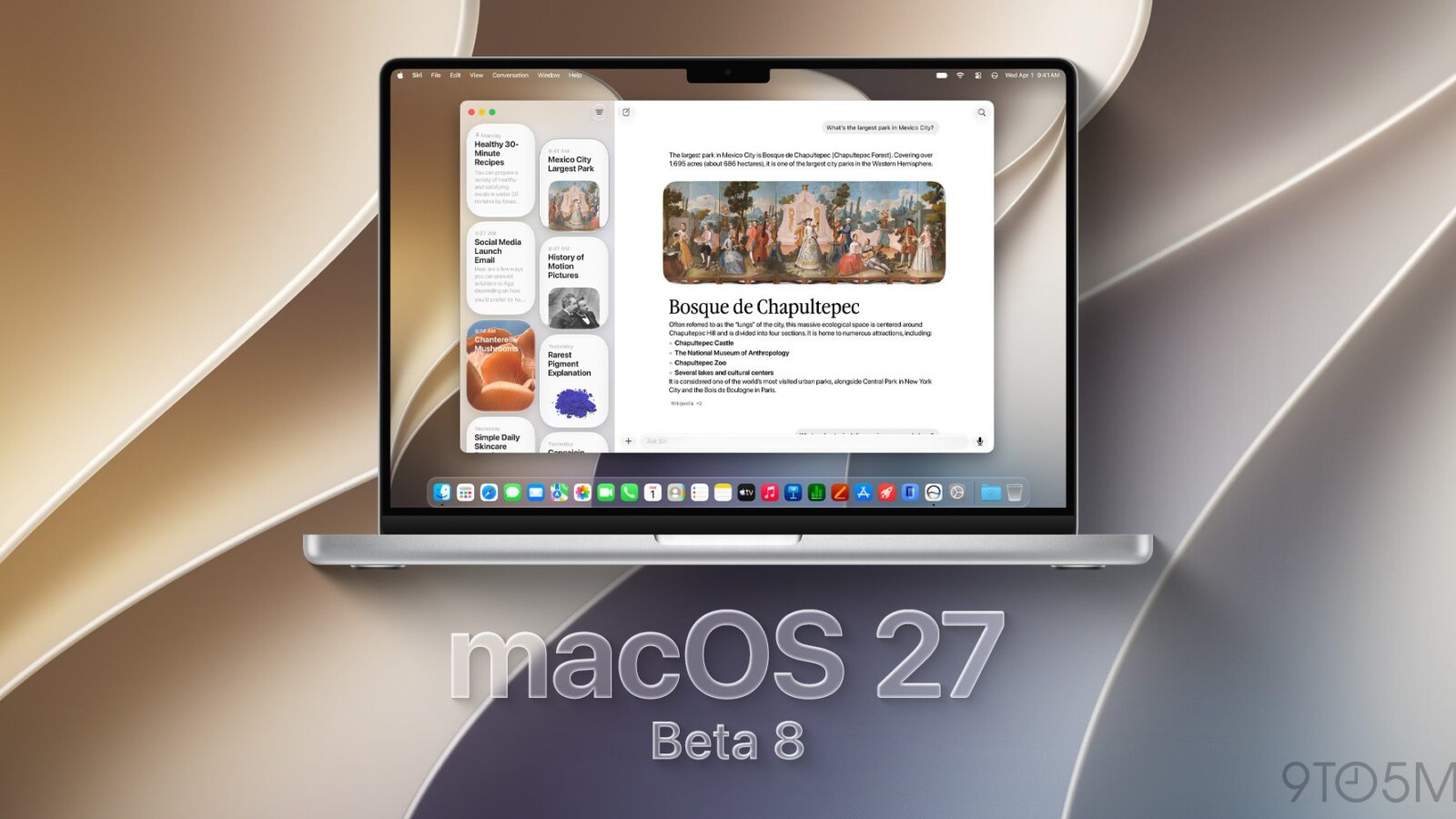
macOS 27 Golden Gate developer beta 8 is now available, continuing Apple’s weekly test releases ahead of the operating system’s official launch in the coming weeks. The company has also extended the release to public beta testers.
Developers can install beta 8 today as Apple advances toward the public rollout of its next Mac operating system. At this stage of the cycle, Apple appears increasingly focused on bug fixes, performance improvements, and other under-the-hood refinements rather than major user-facing additions.
What’s new in the latest beta
Beta 7 didn’t include any notable user-facing changes. Earlier, beta 6 introduced redesigned traffic light window controls with a more Liquid Glass-like appearance. Beyond those tweaks, recent builds have concentrated on polish and stability ahead of release.
macOS 27 also restores fixed-radius corners for windows and apps, reversing the dynamically changing corner radii that arrived in macOS 26. The update adds new Golden Gate-themed wallpapers and screensavers as well.
Key features in macOS 27 Golden Gate
macOS 27 introduces the new Siri app alongside Apple’s revamped Siri AI. It also brings an AI-powered Shortcuts app capable of creating shortcuts from natural-language prompts. Safari gains a prompt-based extension builder, letting users generate extensions through simple text instructions.
These additions position macOS 27 as a significant step in Apple’s push toward deeper AI integration across the Mac experience.
How to install the developer beta
To install macOS 27 Golden Gate developer beta 8, start by backing up your Mac. Then open System Settings and navigate to General, followed by Software Update. Click the ‘i’ icon next to Beta Updates, and from the dropdown menu in the top-right, select the macOS Developer Golden Gate Beta. Finally, hit ‘Done’ to begin the download.
Public beta testers can follow the same steps to access the corresponding public build. The official release of macOS 27 Golden Gate is expected within a few weeks.
Source
Image: 9to5mac.com