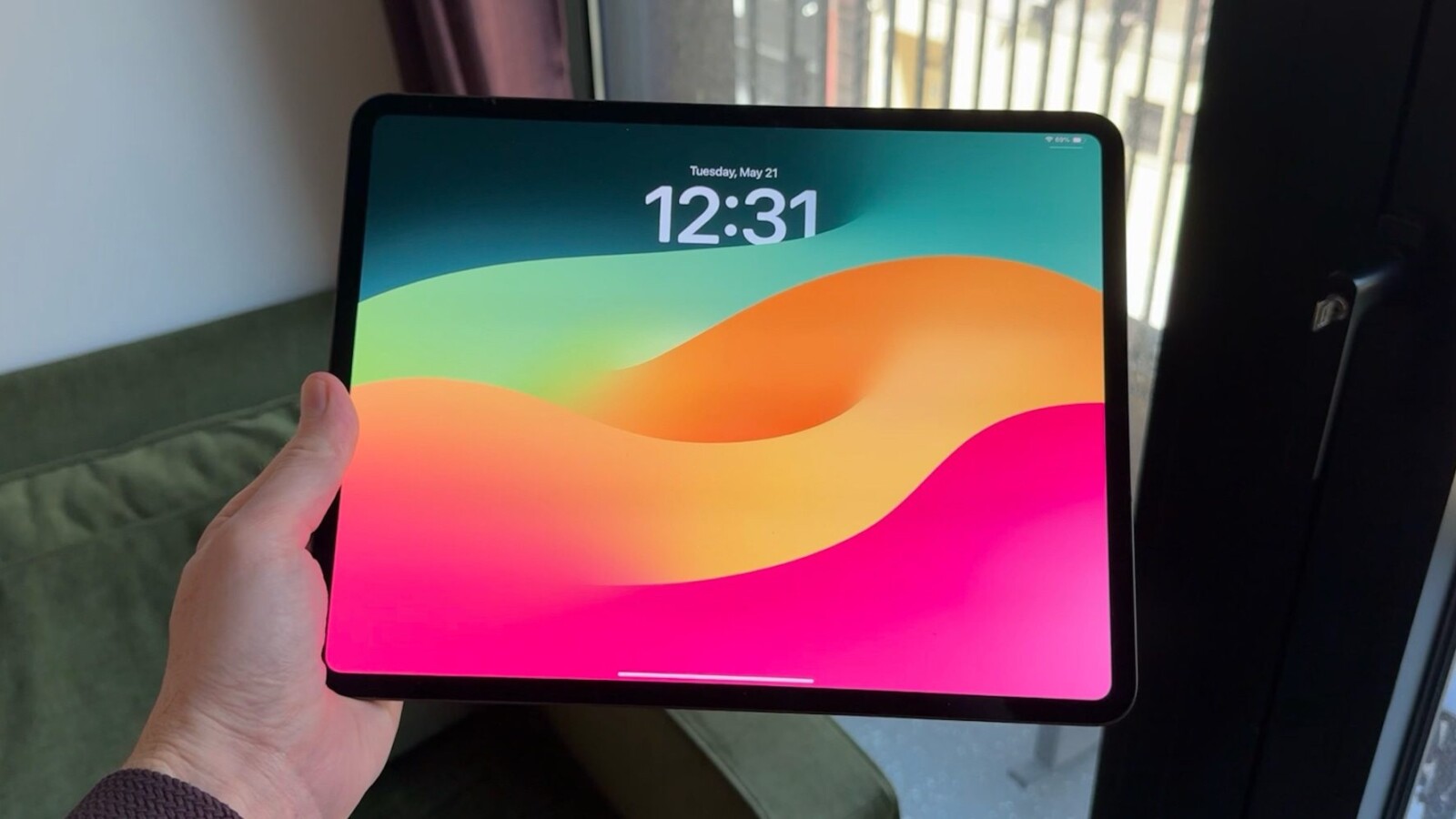
iPadOS 27 multitasking continues to lean heavily on the windowing system Apple introduced the previous year, and the simpler tools many longtime iPad users prefer remain buried inside it. When Apple reinvented how the iPad handles multiple apps in iPadOS 26, the change initially removed the more approachable Split View and Slide Over features. Those returned later, but only for users who keep the new windowing mode enabled.
The windowing system itself has clear strengths. On a 13-inch iPad Pro paired with a Magic Keyboard, moving quickly between several apps at once works well. The experience is more mixed on smaller iPads, but it remains usable. The larger issue is what happens when you don’t want windowing at all: the only remaining alternative is running every app in full screen, with no middle ground for flexible layouts.
Where the current setup falls short
Split View and Slide Over came back in later betas of iPadOS 26, but they are tied to the windowing system. That means anyone who wants the simpler style of multitasking has to work through the added layers of complexity built for power users. Positioning a window just right so it snaps into Split View or Slide Over can be frustrating, and the process felt far more seamless before iPadOS 26.
The dependency cuts both ways. People who genuinely like windowing can accidentally trigger Split View by dragging a window slightly off target. Apple does offer more control through a long press on the window’s traffic light buttons, which reveals specific toggles for managing Split View and Slide Over states. Even so, that approach feels heavier than it needs to be for basic, everyday iPad use.
A two-mode approach could help
One way forward would be to give iPadOS two distinct sets of multitasking options: a Classic mode and a Pro mode. Classic would open apps in full screen by default while keeping Slide Over and Split View available. Pro would carry the windowing introduced in iPadOS 26, with an option to turn Stage Manager on or off inside it.
Stage Manager currently functions more as a feature within windowing than as a separate multitasking choice, which further limits how users can tailor the experience. Split View and Slide Over clearly belong on the iPad, but folding them into the windowing system makes them more complicated than necessary, a situation that persists a full year after the redesign.
The broader concern is balance. The iPad has been pushed strongly toward serving as a laptop replacement for Magic Keyboard users, while those who simply want a straightforward tablet get a multitasking experience that feels incomplete. Restoring a genuinely simple multitasking option would address that gap. As it stands in iPadOS 27, the simpler tools still require the windowing system to be active.
Source
Image: 9to5mac.com