Samsung Smart Switch has been updated within One UI 9, bringing a simpler set-up process and the ability to copy a wider range of data when moving to a new Galaxy device.
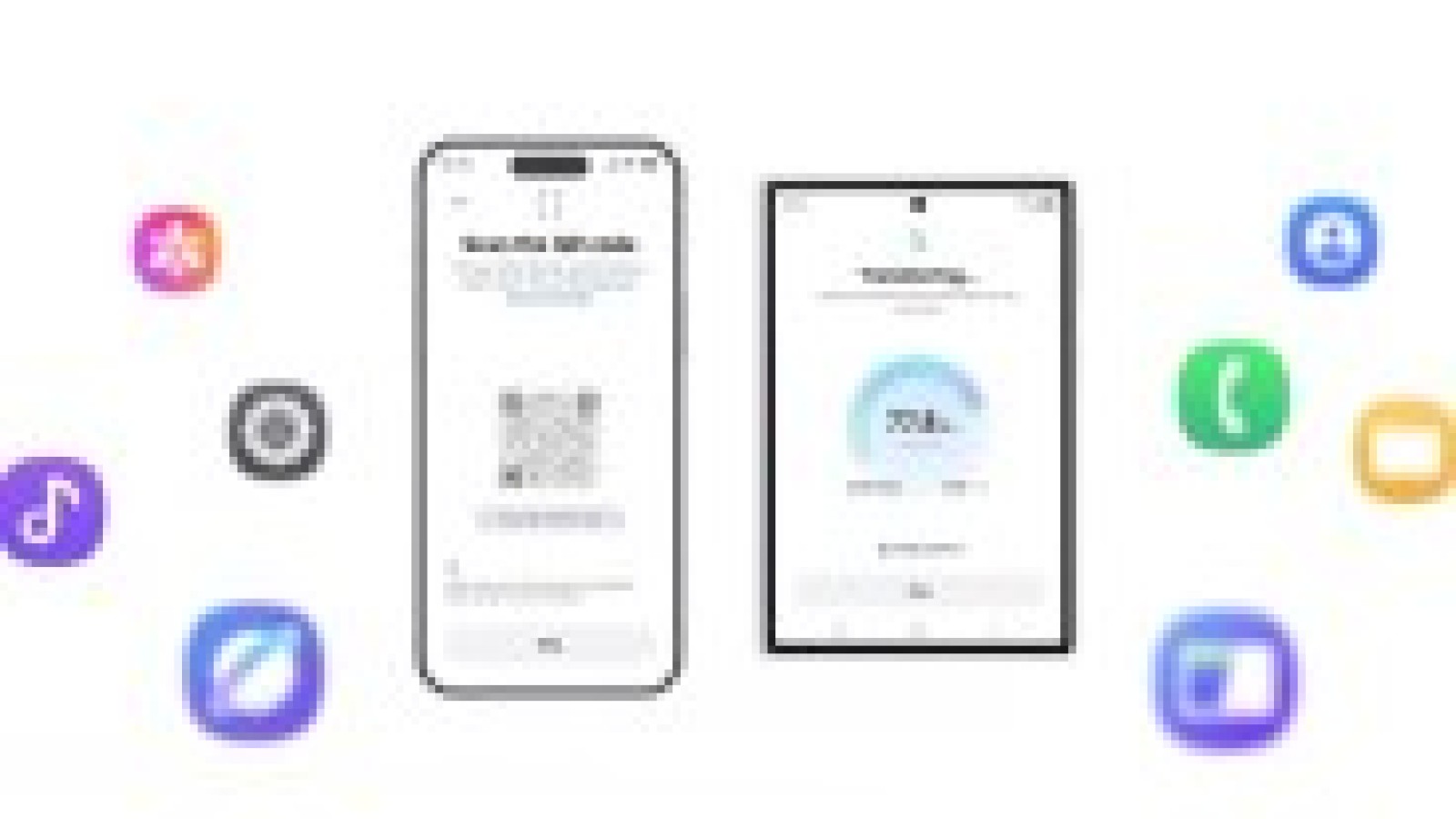
Users switching from an iPhone to a Galaxy Z8 foldable no longer need to install the app on the iPhone itself. Instead, the app on the Android side generates a QR code that is scanned using the iPhone’s camera app. After confirming a few options, the transfer is ready to begin.
What data Smart Switch can now transfer
The updated app copies more information from an old iPhone than before. Alongside the usual photos, contacts, messages, calendars and apps, the transfer now includes passwords and passkeys, call history, accessibility settings and eSIM information.
A new Galaxy phone will offer to launch Smart Switch during initial set-up, but the process can also be completed later. This may be useful for anyone who has been using an iPhone as a second handset and now wishes to move away from it entirely.
Improved experience after switching
Samsung has also considered how the transition feels once the switch is complete. Devices on One UI 9, as well as older models running One UI 8.5, are compatible with Apple’s AirDrop. This allows Quick Share to send and receive files from iPhones directly.
In addition, Good Lock can be used to adjust the One UI interface so it feels more familiar. Options include customising home screen layouts, changing swipe gesture settings and personalising the phone’s theme, among others.
At present, One UI 9 is available only on the Galaxy Z Fold8, Z Fold8 Ultra and Z Flip8. It is set to reach further devices soon, with Galaxy S26 phones currently on their fifth One UI 9 beta. A-series models, including the Galaxy A57 and the Galaxy A16 5G, are also part of the beta testing programme.
Pixel phones running Android 17 offer a similarly upgraded switching experience, following collaborative work between Apple and Google.
Source
Image: gsmarena.com